Managing employees and salaries manually is no longer sustainable in a fast-moving digital world. Modern hr and payroll software helps businesses automate employee management, payroll processing, compliance, and reporting — all in one system.
If you want fewer payroll errors, better compliance, and improved productivity, this guide will walk you through everything you need to know.
What Is HR and Payroll Software?
HR and payroll software is an integrated system that combines:
-
Human Resource Management (HRM)
-
Payroll processing
-
Attendance tracking
-
Benefits administration
-
Compliance management
-
Reporting & analytics
Instead of handling HR and salary tasks separately, businesses can centralize everything in one digital platform.
Core Components
-
Employee database management
-
Salary calculations & tax deductions
-
Time & attendance tracking
-
Leave management
-
Compliance reporting
-
Performance tracking
Why Businesses Need HR and Payroll Software in 2026
Manual HR processes create risk. Spreadsheets lead to calculation errors. Paper records cause compliance issues.
Modern businesses need automation.
Key Benefits
1. Accuracy & Error Reduction
Automated payroll calculations eliminate:
-
Tax miscalculations
-
Overtime errors
-
Duplicate payments
-
Missed deductions
2. Compliance & Legal Protection
HR systems automatically update tax rules and labor laws depending on region.
This is critical for:
-
Growing startups
-
Remote teams
-
International companies
3. Time Savings
Instead of spending 3–5 days per month on payroll, automation reduces processing to hours.
4. Data Security
Reputable platforms use:
-
End-to-end encryption
-
Role-based access control
-
Secure cloud hosting
5. Better Decision-Making
Built-in analytics dashboards provide:
-
Workforce costs
-
Attrition rates
-
Overtime trends
-
Productivity insights
Key Features to Look for in HR and Payroll Software
Not all systems are equal. Choosing the wrong platform can create more problems than it solves.
Essential Features Checklist
✔ Payroll Automation
-
Automatic salary calculations
-
Tax deductions
-
Direct deposit integration
-
Payslip generation
✔ Time & Attendance Integration
-
Biometric support
-
Remote clock-in/out
-
Overtime tracking
✔ Leave Management
-
Online leave requests
-
Approval workflows
-
Leave balance tracking
✔ Compliance Tools
-
Labor law updates
-
Tax form generation
-
Audit reports
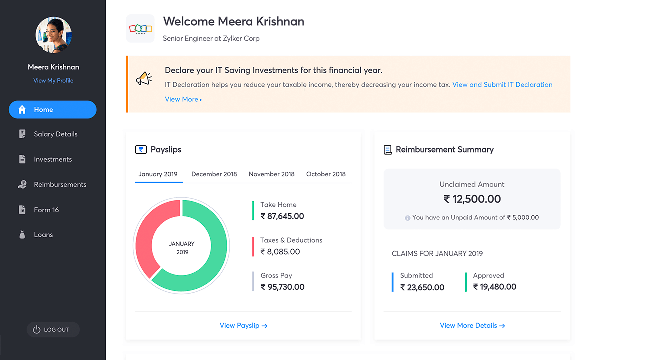
✔ Employee Self-Service Portal
-
Download payslips
-
Update personal info
-
Submit leave requests
✔ Reporting & Analytics
-
Custom reports
-
Salary breakdown reports
-
Department cost analysis
Top HR and Payroll Software Platforms in 2026
Below are some globally recognized solutions.
🟢 Workday
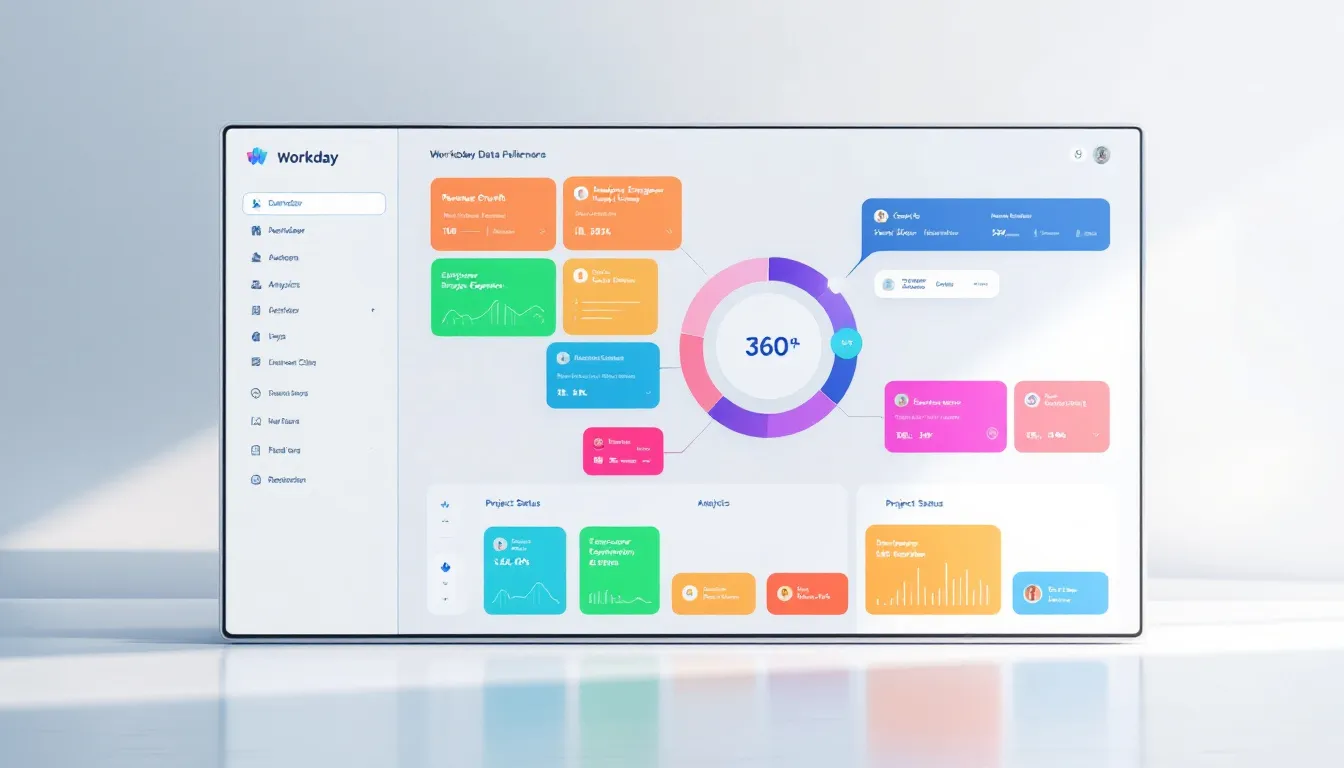
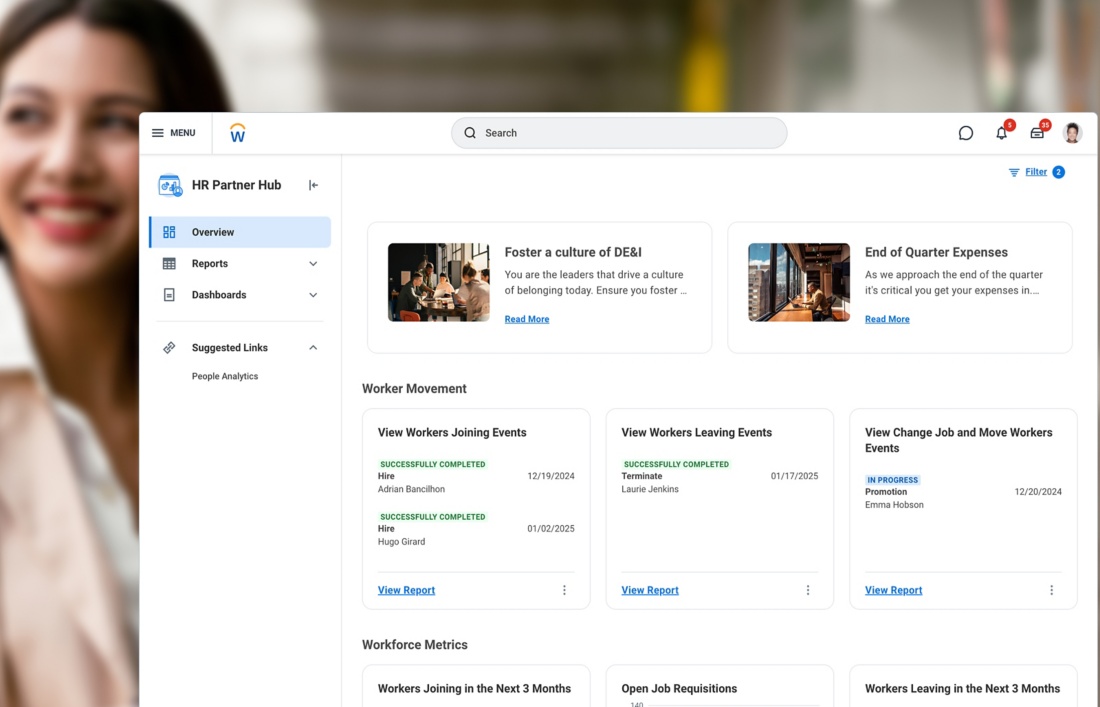
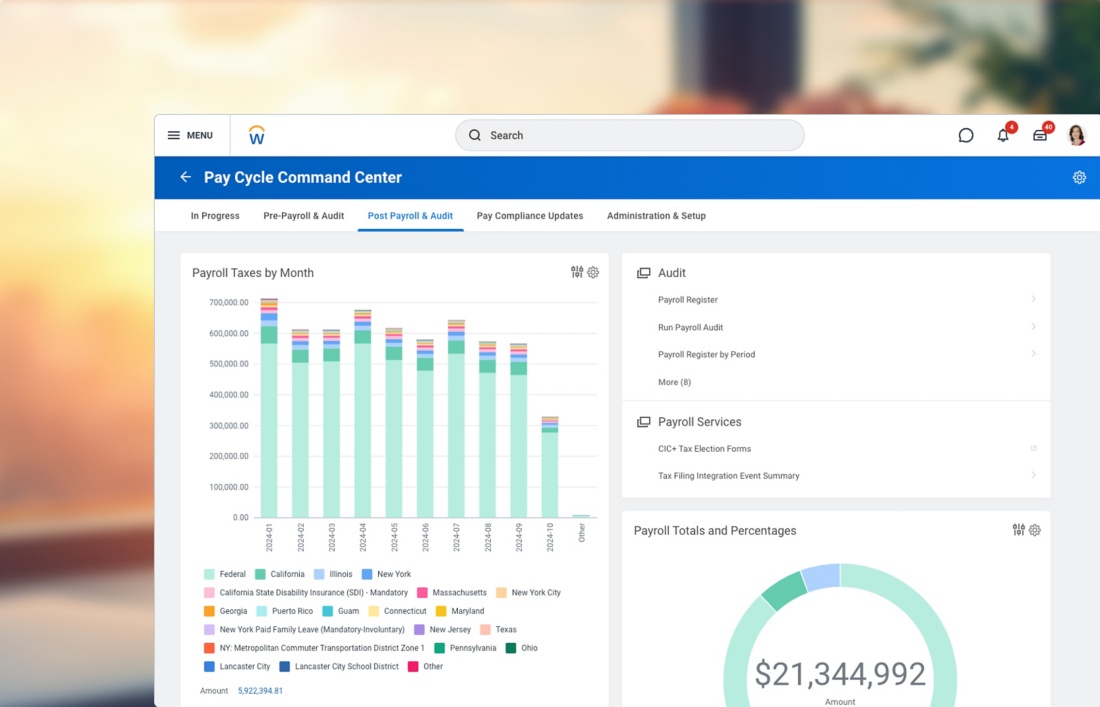
Strength: Advanced analytics & scalability
Ideal for: 500+ employees
Workday offers enterprise-level workforce planning and payroll automation.
🔵 ADP
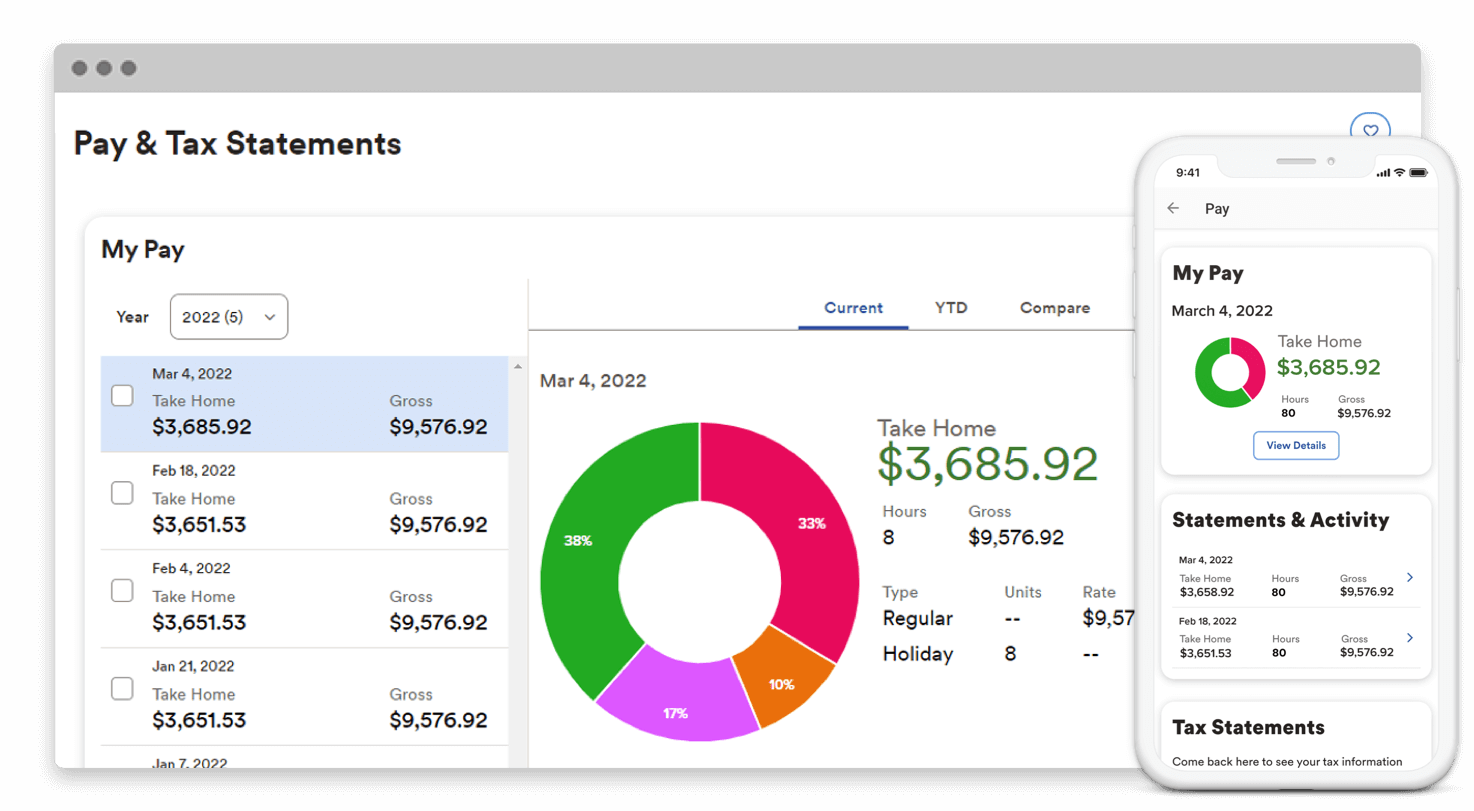

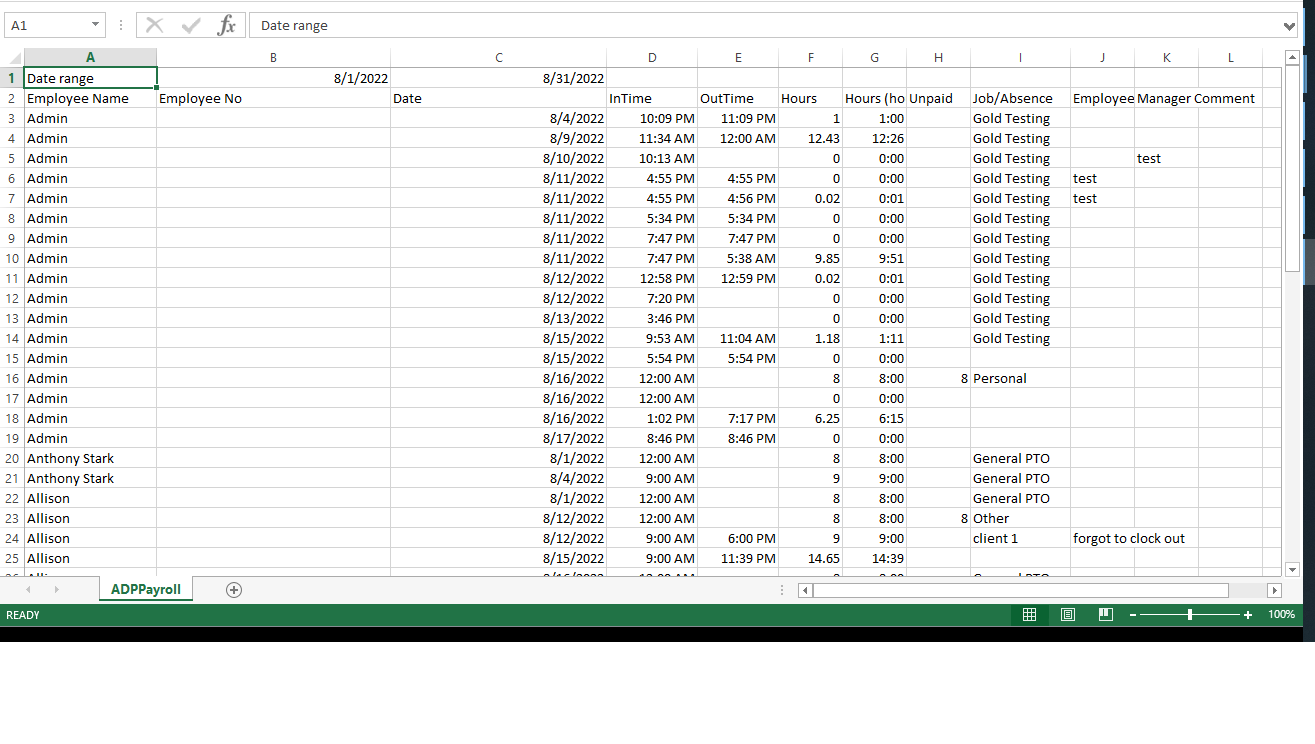
Strength: Payroll compliance expertise
Ideal for: Companies needing global payroll services
ADP has decades of payroll experience and strong compliance tools.
🟣 Gusto


Strength: Simple UI & automation
Ideal for: 10–200 employees
Gusto focuses on easy onboarding and payroll simplicity.
🟠 Zoho People

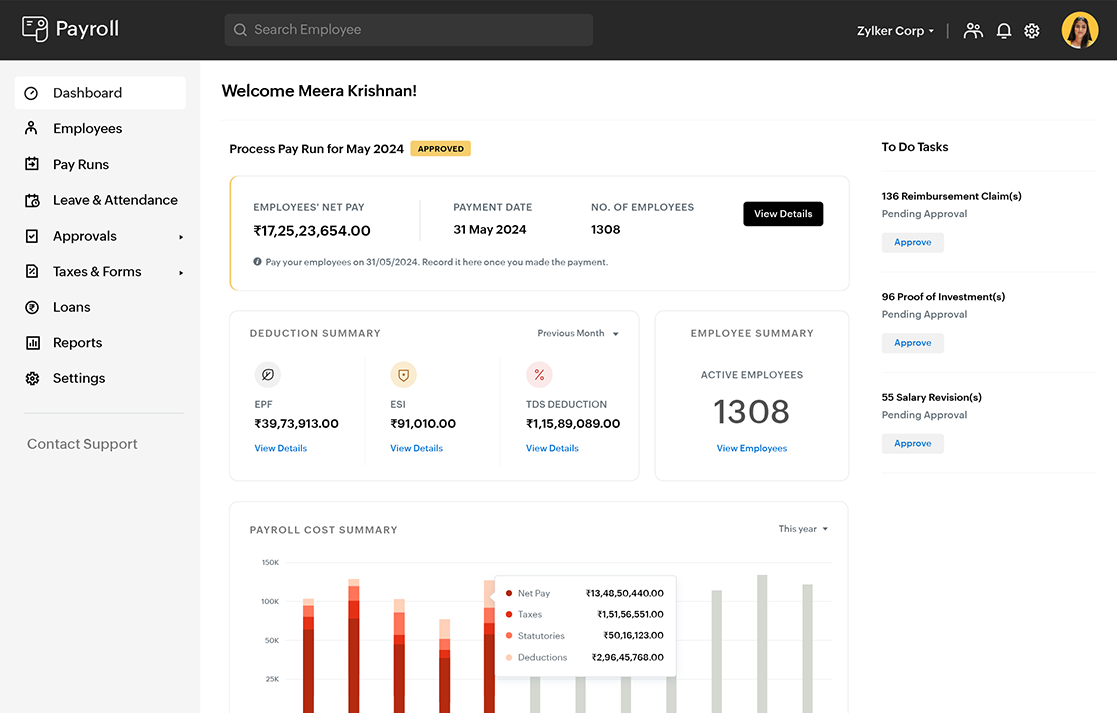
Strength: Affordable & customizable
Ideal for: SMEs in developing markets
Zoho integrates well with other Zoho business tools.
Cloud-Based vs On-Premise HR Systems
Cloud-Based HR Software
Advantages:
-
Lower upfront cost
-
Automatic updates
-
Accessible anywhere
-
Scalable
Disadvantages:
-
Subscription fees
-
Internet dependency
On-Premise Systems
Advantages:
-
Full control
-
Custom security settings
Disadvantages:
-
High setup cost
-
Maintenance responsibility
-
Limited scalability
For most businesses in 2026, cloud-based hr and payroll software is the smarter choice.
How to Choose the Right HR and Payroll Software
Follow this structured evaluation process:
Step 1: Identify Business Needs
Ask:
-
How many employees?
-
Multi-location?
-
Remote team?
-
International payroll?
Step 2: Budget Planning
Consider:
-
Monthly subscription
-
Setup fees
-
Integration costs
-
Training costs
Step 3: Compliance Requirements
Ensure the software:
-
Supports your country’s tax system
-
Handles labor law compliance
-
Provides audit trails
Step 4: Integration Capability
Check compatibility with:
-
Accounting software
-
ERP systems
-
Time tracking tools
-
CRM platforms
Step 5: Vendor Reputation
Look for:
-
Customer reviews
-
Security certifications
-
Customer support quality
-
Industry experience
Implementation Strategy for Maximum ROI
Even the best software fails without proper implementation.
Phase 1: Data Preparation
-
Clean employee records
-
Verify salary structures
-
Audit leave balances
Phase 2: Team Training
-
HR department training
-
Manager onboarding
-
Employee self-service tutorials
Phase 3: Test Payroll Runs
-
Run parallel payroll tests
-
Verify tax calculations
-
Confirm bank integrations
Phase 4: Go Live
-
Monitor first 2–3 payroll cycles
-
Collect employee feedback
-
Adjust workflows
Common Mistakes to Avoid
-
Choosing software only based on price
-
Ignoring compliance features
-
Not checking scalability
-
Skipping training
-
Failing to review security protocols
HR and Payroll Software for Small Businesses
Small businesses often hesitate to invest.
But automation reduces:
-
HR overhead costs
-
Payroll errors
-
Legal risks
Even companies with 10–20 employees benefit significantly.
HR and Payroll Software for Remote & Hybrid Teams
Remote work increases payroll complexity.
Key requirements:
-
Multi-currency support
-
Regional tax calculation
-
Digital document storage
-
Cloud access
Without proper software, remote payroll can become legally risky.
Security & Data Protection Best Practices
Employee data is sensitive.
Ensure your provider offers:
-
SSL encryption
-
Multi-factor authentication
-
GDPR compliance (if applicable)
-
Role-based permissions
-
Regular backups
Cybersecurity is no longer optional.
Future Trends in HR and Payroll Software
The industry is evolving rapidly.
AI & Automation
-
Predictive workforce planning
-
AI payroll anomaly detection
-
Automated compliance alerts
Blockchain Payroll
-
Secure cross-border payments
-
Transparent transaction logs
Employee Experience Platforms
-
Mobile-first interfaces
-
Instant payroll access
-
Financial wellness tools
Cost Breakdown of HR and Payroll Software
Typical pricing models:
| Company Size | Monthly Cost Range |
|---|---|
| 1–20 employees | $20–$200 |
| 20–100 employees | $200–$800 |
| 100+ employees | Custom pricing |
Always compare:
-
Per employee pricing
-
Add-on fees
-
Support plans
Final Thoughts
Investing in the right hr and payroll software is not just about automation — it’s about business stability, compliance, and long-term growth.
If you want:
-
Fewer payroll headaches
-
Better workforce insights
-
Stronger compliance
-
Scalable HR operations
Then modern HR software is no longer optional — it’s essential.